Guide
Running an aesthetic clinic: contracts, machines and consumables in one place
A clinic looks like a salon from the street and runs like something else. How signed contracts, guardian consent, bookable machines and stock recipes fit together.
SalonRadar · Editorial team
5 min read
In short
- Clients sign the current contract version before a booking is confirmed.
- List each machine as a device and it cannot be double-booked.
- Recipes show what each treatment costs in consumables, per practitioner.
An aesthetic clinic looks like a salon from the street and runs like something else. There is paperwork before anyone is touched. There are machines that cost more than a car and can only be in one room at a time. There are consumables priced by the millilitre. And there is a level of record-keeping that a hairdresser, happily, never has to think about.
General booking tools cover the calendar and leave the rest to folders and spreadsheets. We have spent a good part of this year working with a clinic, including moving its seven years of history across, and a number of SalonRadar's less obvious features exist because of what that taught us. This is how they fit together for a clinic.
Before the visit: signatures
The client contract
Under Settings you can publish a client contract, either as an uploaded PDF or written in the built-in editor. Switch on the requirement and clients must accept the current version before an online booking is confirmed. For someone standing at your desk, show them a code to scan; they read and sign on their own phone and the client card updates in front of you. The client is emailed a signed copy.
Every time you save a change, a new version is published and the old one is kept, so each signature always points at the text the person really agreed to. When the contract changes, returning clients are asked to sign the new version the next time they book.
Consent for minors
If you treat under-age clients, such as teenage acne treatments or ear piercing, there is a separate guardian consent form that works the same way. A parent or legal guardian has to accept it before the child's booking is confirmed, and receives a copy by email.
During the day: the machine problem
Three practitioners, one laser. Without help, the calendar will let all three book it for the same hour, because it only knows that the people are free.
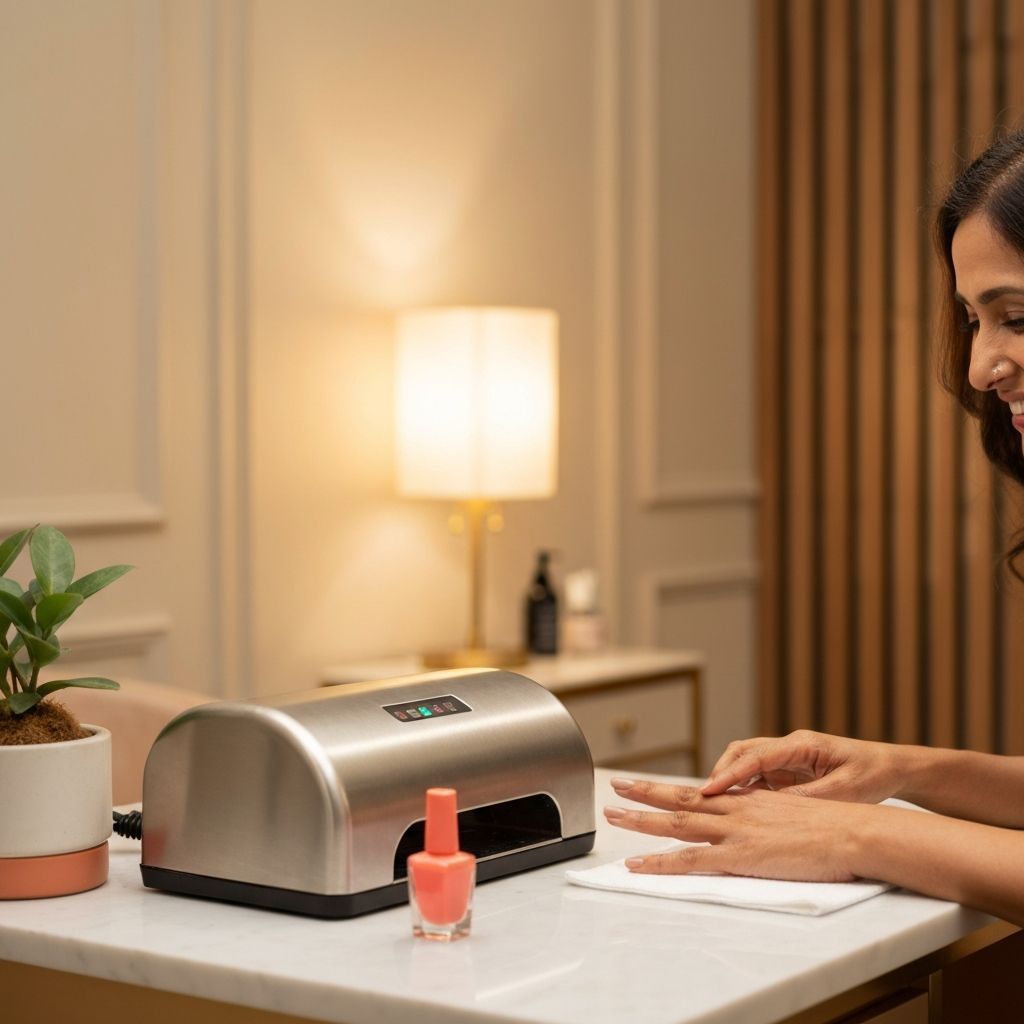
List the laser as a device, tick it on the services that need it, and it is held for the length of each appointment. When it is taken, that time simply is not offered for those services, online or at the desk. Two machines of the same kind can both be listed on a service and the system will use whichever is free. When one goes away for servicing, switch it off for booking and it stops being offered until it is back.
We have written a fuller guide to devices if this is your daily headache.
Courses of treatment
Very little in aesthetics is a single visit. Six laser sessions six weeks apart; three peels a month apart. Book the course as a recurring series at the first appointment. Each visit claims its practitioner and its machine, so clashes show up on the day you book and not in month four. If one session has to move, you can change that visit alone or everything after it.
What a treatment really costs
A clinic's consumables are expensive and easy to lose track of. Give each treatment a recipe: the products one session uses, in millilitres, grams or units. When the booking is completed the quantities come off that practitioner's stock at the current average purchase cost.
After a month you can see three things most clinic owners have never had in one place: what each practitioner was issued, what their completed treatments should have used, and the difference. Expired and damaged stock is recorded separately as waste, so it shows up as its own figure and does not blur into "used".
The client record
Each client card holds the visit history with practitioner and price, notes, tags and files, so before-and-after photos and signed forms sit with the person they belong to. Notes belong to the client and not to whoever wrote them. When a practitioner leaves, what she knew about her clients stays.
When a client asks for a copy of their data, or asks you to delete it, both can be done from their card. Every change in the account, who did what and when, is kept in the activity log.
Who sees what
Roles decide what each team member can open. There are four to start from (admin, manager, staff and read-only) and the permissions behind each can be adjusted: who may edit other people's appointments, who sees reports, who manages stock or only logs what they used, who can touch settings. Staff by default see the calendar and their appointments and nothing about revenue. In a business that handles health-adjacent information, not everyone should be able to read everything, and "we trust each other" is not an access policy.
Pricing by level
If a treatment costs more with your lead practitioner than with a junior therapist, set seniority levels once and enter the differences per service. Clients see the correct price for the person they choose. You keep one service on the menu, which keeps the reports readable.
What we do not do
SalonRadar is not a medical records system. It has no clinical charting, no injection mapping, no prescription handling. If your regulator requires a certified system for those, you will need one alongside.
What it does is take the operational load, meaning bookings, machines, paperwork, stock and the team, and put it in one place where the numbers agree with each other. For most clinics that is where the hours go.